ZYVEXO
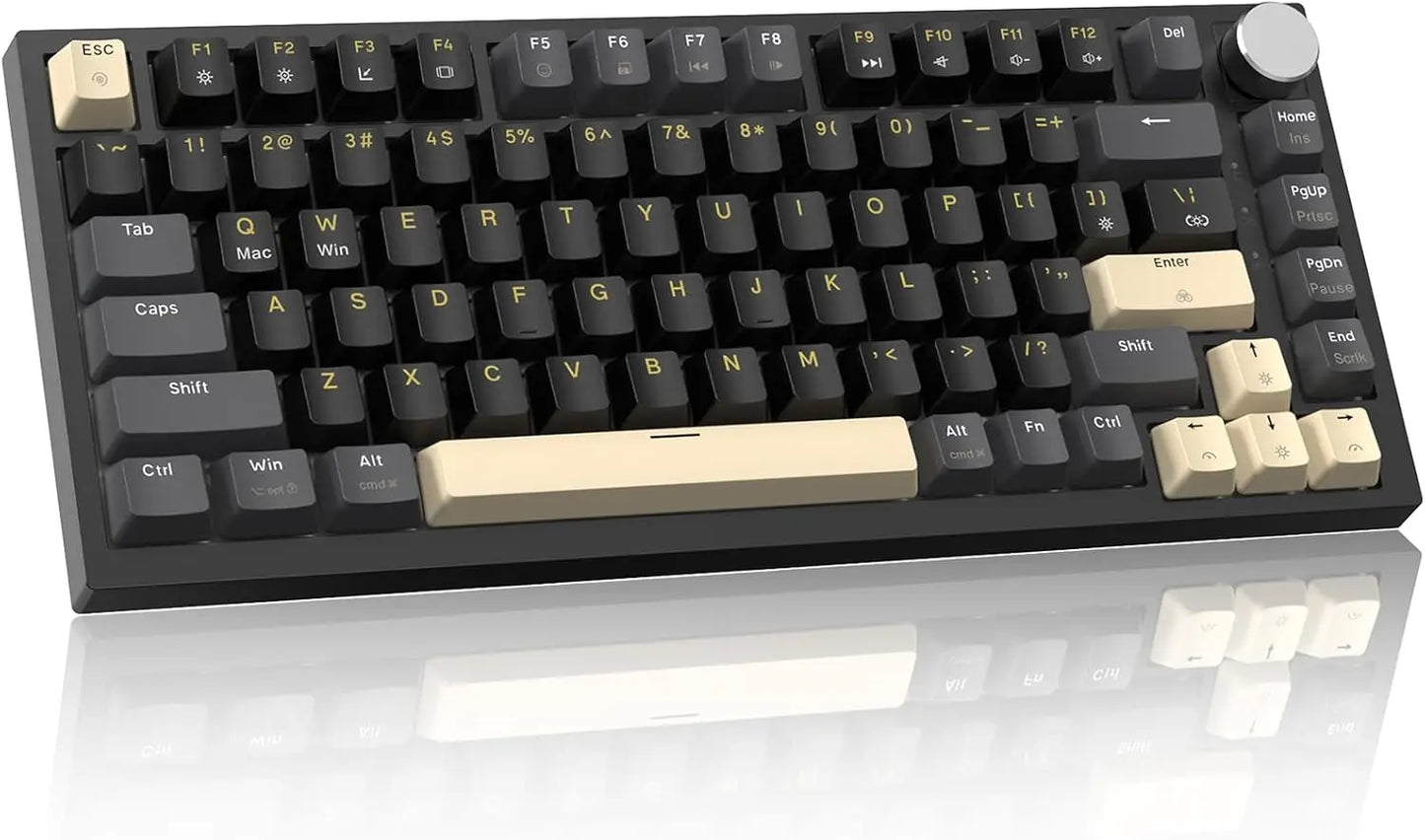
ATTACK SHARK K85 75% Wired Mechanical Keyboard
ATTACK SHARK K85 75% Wired Mechanical Keyboard
Couldn't load pickup availability
SPECIFICATIONS
ATTACK SHARK Model: K85
Application: Desktop,Laptop
Backlight Type: MULTICOLOR
Battery Included: no
Brand Name: Attack Shark
High-concerned chemical: None
Interface Type: USB
Keyboard Standard: 82 Key
Language: English
Operation Style: Mechanical
Origin: Mainland China
Style: Standard
Type: Wired
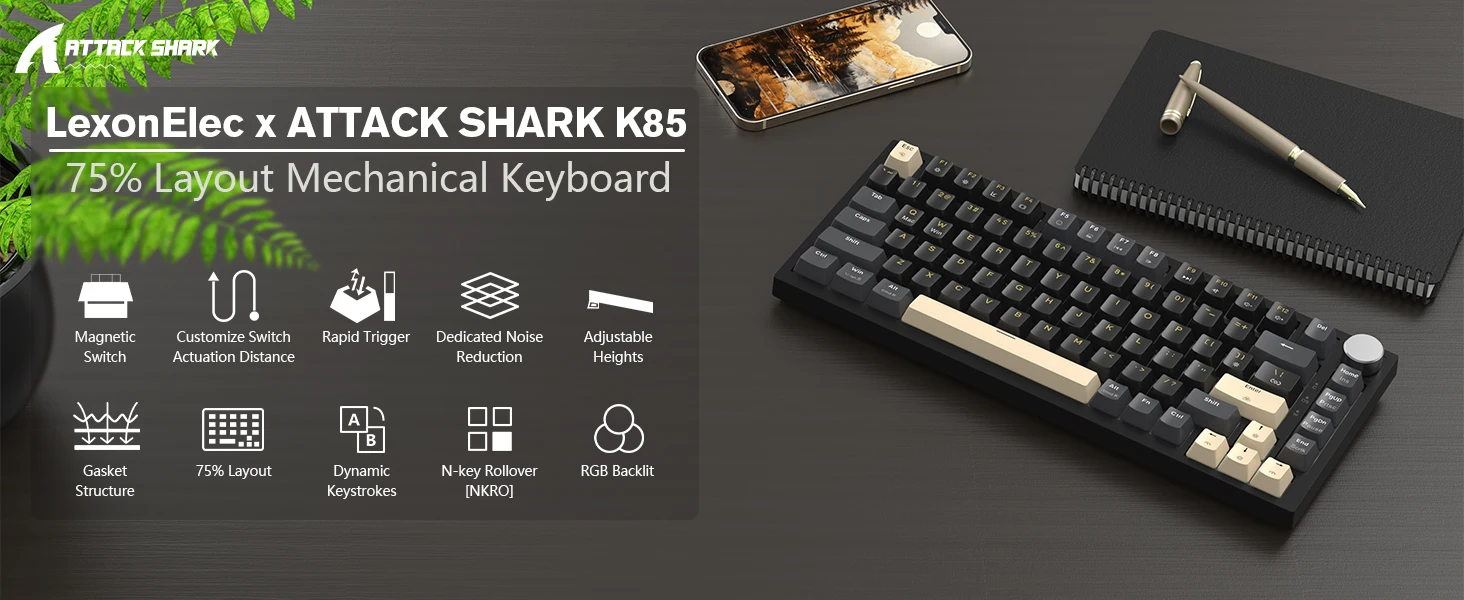
【Hall Effect Magnetic Switch】ATTACK SHARK K85 is a pre-built mechanical keyboard with a world-first magnetic switch technology that adjustable driving distance and fast triggering can be achieved. Magnetic switches operate through the Hall effect. Compared with traditional mechanical keyboards, magnetic switch keyboards have obvious advantages in response speed and operational flexibility.
【Rapid Trigger, One Key Emergency Stop 】Magnetic switch eliminates any delay caused by the physical movement of traditional switches. The sensitivity range is 0.1-3.6 mm, the adjustable accuracy is 0.1 mm. Players can freely customize it according to their needs. The gaming keyboard activates and deactivates the key instantly with minimal travel. It is very suitable for FPS games and brings players a more extreme gaming experience.
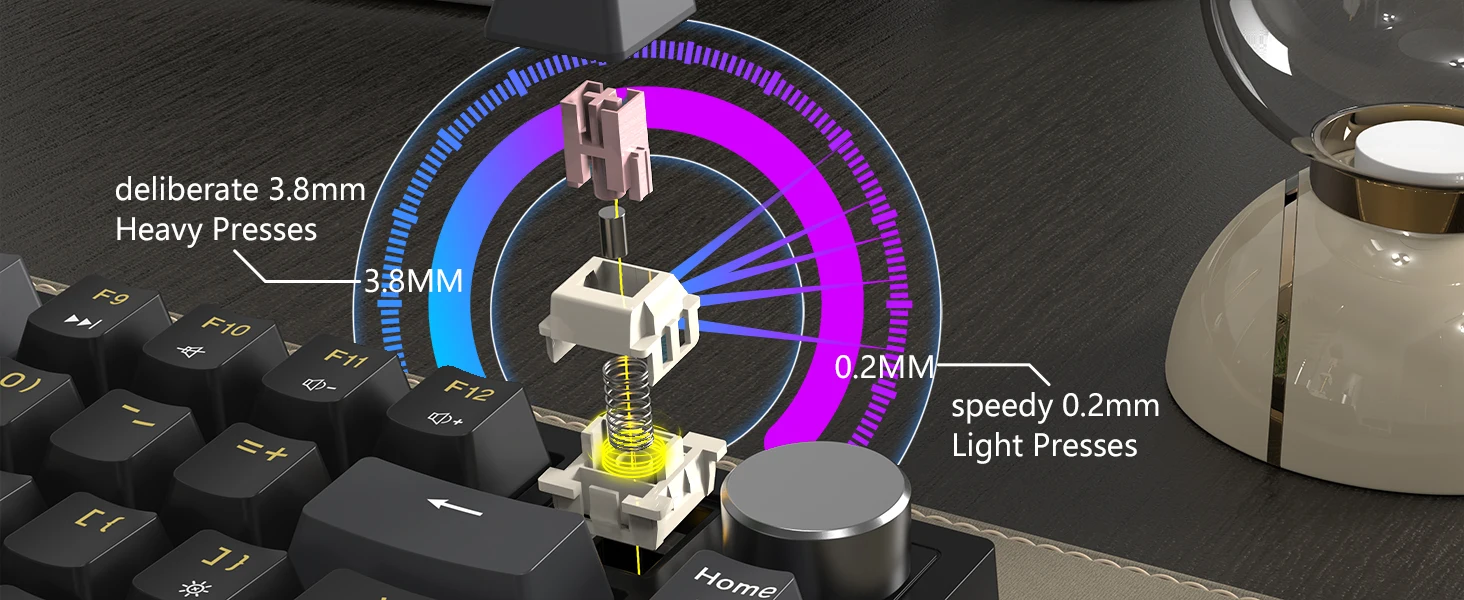
【Customized Key Stroke Travel】The adjustable actuation distance ranges from 0.2mm to 3.8mm. Players can freely adjust it to meet the needs of players. Provides different types of pressing and tactile gaming or typing. It is more suitable for high-intensity gaming and brings more comfort. Smooth operating experience.
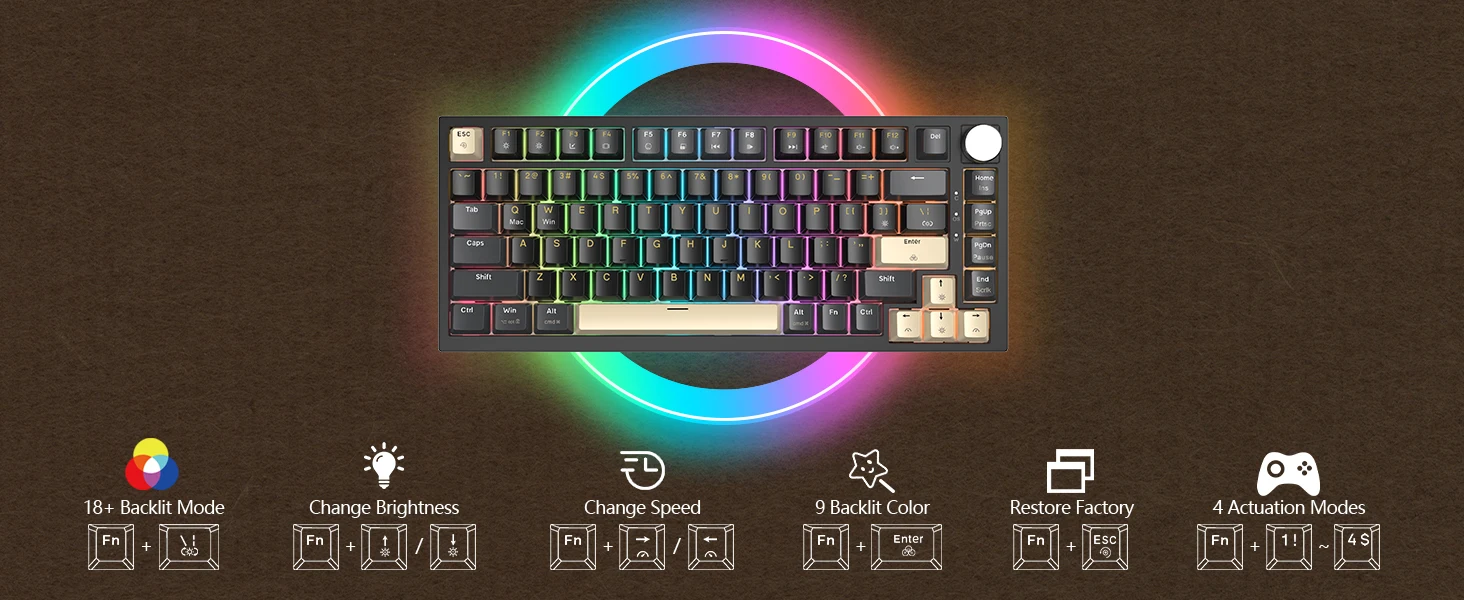
【Programmable cloud driver unlocks unique features】Use the web cloud driver to customize your e-sports space without downloading driver software to achieve online programming. Easily customize any key's sensitivity, RGB lighting, magnetic switch RT, Dynamic Keystroke (DKS)/MT/TGL and macro programming capabilities. Take your gaming experience to unparalleled heights. (Cloud Driver Link: qmk.top)
【Warm Tips】The Hall sensor is very sensitive to temperature changes and can easily cause changes in the magnetic field of the keyboard. Therefore, when receiving the keyboard; or the switch was inserted/removed; or a certain key was not working. We recommend that you calibrate your keyboard in the software by going to "About - Maximum stroke calibration - Start Calibration".